App Activation Settings
Two account-wide limits for the phone system app live under Settings → App Activation Settings. They apply to app invitations and app sign-ins only; nothing else in the phone system is affected.
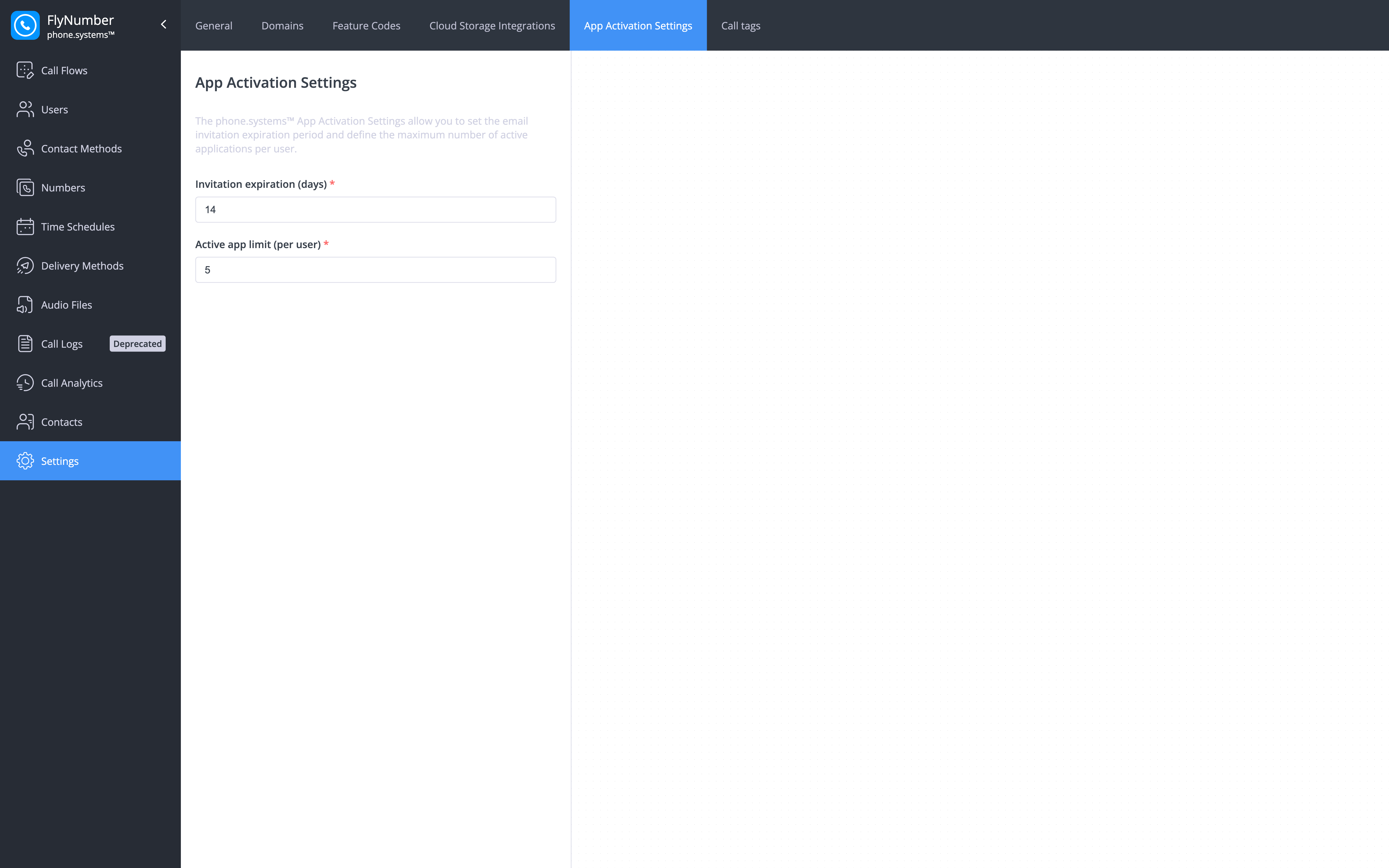
| Field | What it controls |
|---|---|
| Invitation expiration (days) | How long an emailed app invitation stays valid. A user who hasn't activated the app by then needs a new invite — open Users, click the row's actions button and choose Send invite to app. The Users list shows how many days each pending invite has left. |
| Active app limit (per user) | How many app installs one user can keep signed in at the same time. It stops a single login being shared around a team; the per-user value is also shown in the Users list under Active app limit (per user). |
Change either value and click Save.
tip
If a teammate reports that their invitation link has stopped working, resend the invite rather than raising the expiration — the new email carries a fresh link.
Related Pages
- Users — creating users and sending app invitations
- App Configuration — activating the app on a device
- App Devices — seeing which devices a user has signed in