Audio Playback
The Audio Playback module lets you play pre-recorded messages or music to your callers. This is perfect for:
- Welcome messages
- After-hours announcements
- Hold music
- Custom greetings before connecting to a Ring Group
- Error messages in your IVR system

Setting It Up
The Audio Playback module is straightforward to configure:
-
Name: Give your audio playback a descriptive name that helps identify its purpose, such as:
- "Welcome Message"
- "Holiday Hours"
- "Support Queue Music"
-
Audio File: Select or upload the audio file you want to play:
- Manage your audio files in the Audio Files menu
- Upload new files or record directly in the system
- Supported formats: .mp3, .wav, .flac, .ogg
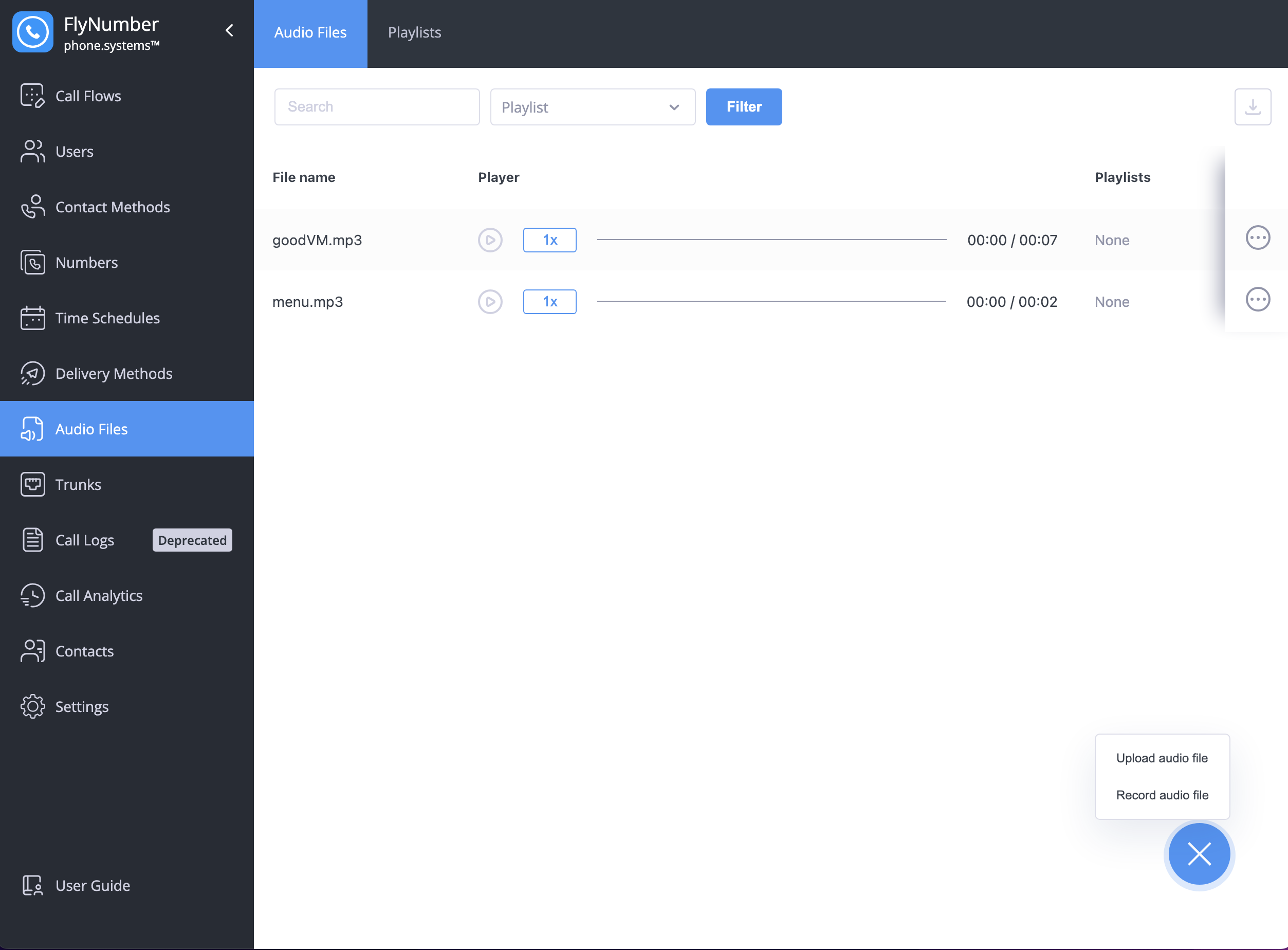
Audio File Management
You can:
- Upload existing audio files
- Record new messages directly
- Create playlists for longer sequences
- Preview files before using them
How It Works
After playing the selected audio file, the module automatically forwards the call to the next connected module. This allows you to:
- Play a greeting message
- Then forward to a department
- Or connect to another module for further call processing
Practical Example

In this example:
- A call comes in through a phone number
- The Audio Playback module plays a welcome message
- The call is then forwarded to a specific team member
Common Uses
- Welcome messages before connecting to an IVR menu
- Department-specific greetings before ring groups
- After-hours announcements
- Holiday or special event messages
- Queue position announcements
Best Practices
- Keep messages clear and concise
- Use professional voice recordings for business announcements
- Test audio quality before deploying
- Consider different language options if needed
- Update seasonal messages regularly