Email Contact Methods
The Email tab allows you to configure email addresses that will receive system notifications, voicemails, and call recordings. These email contact methods are used throughout the system whenever you need to send notifications or recordings to users.
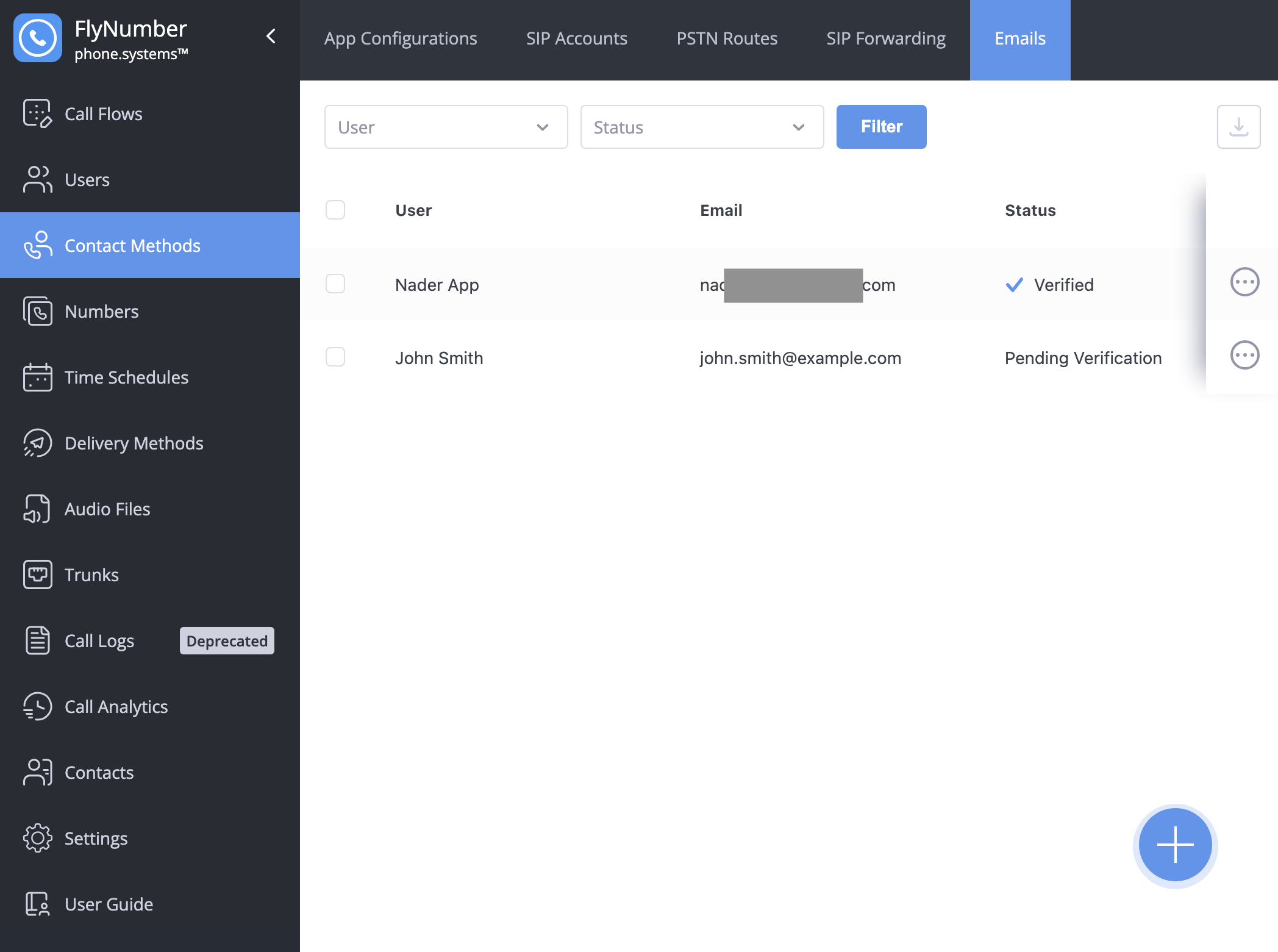
Interface Fields
| Field | Description |
|---|---|
| User | Name of the user this email is assigned to |
| The email address for notifications | |
| Status | Verification status of the email address |
Creating an Email Contact Method
To add a new email contact method:
- Click the + button in the bottom right corner
- Configure the settings:
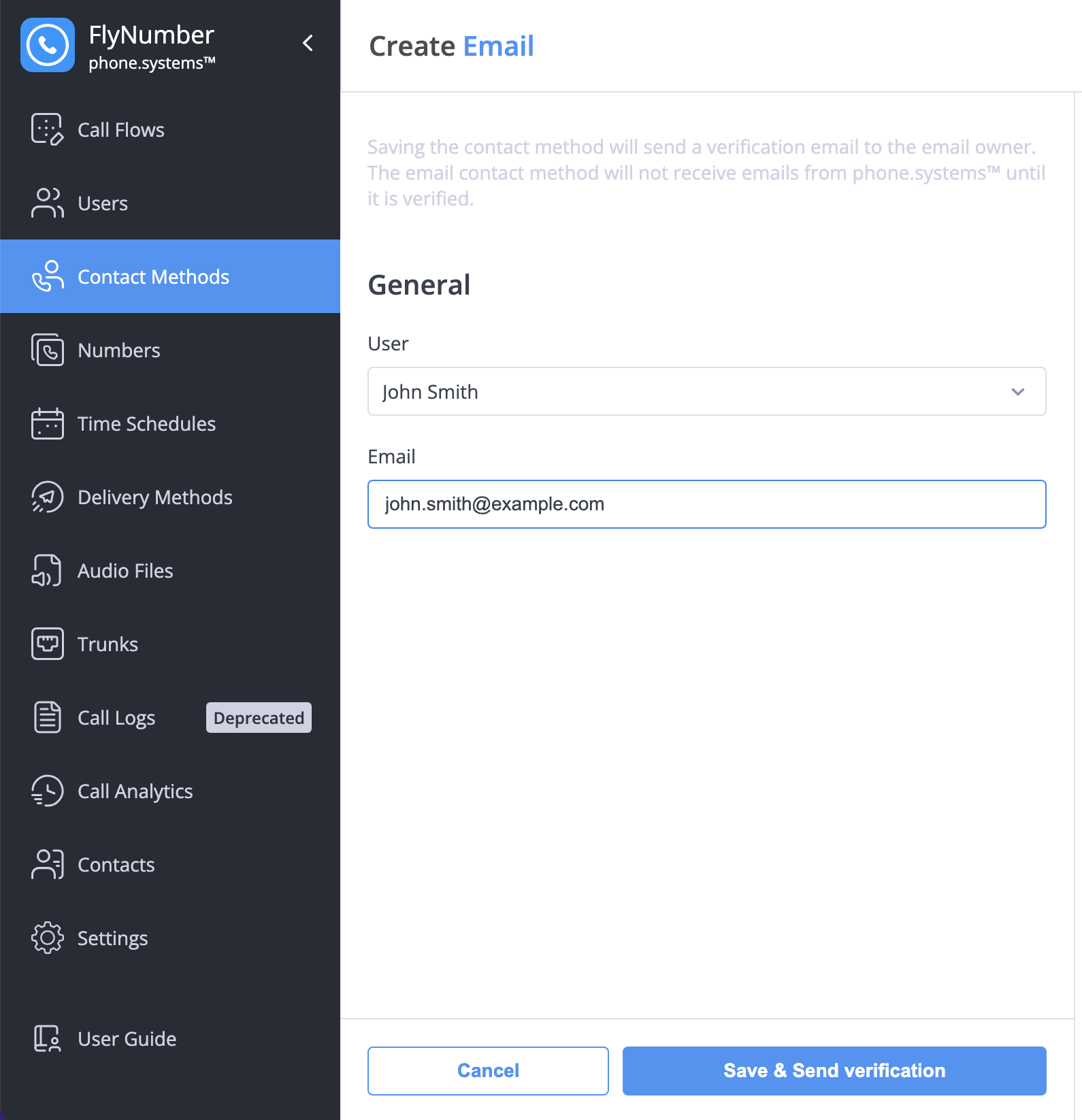
- User: Select the user who will own this email contact
- Email: Enter the email address that will receive notifications
After saving, a verification email will be sent to the provided address. The email contact method must be verified before it can receive notifications.
Domain Verification
For organizations adding multiple email addresses under the same domain, you can verify the entire domain instead of verifying each email individually. This is configured in Settings > Domains.
- Validate an entire domain once
- Skip individual email verifications
- Streamline adding new users
- Perfect for larger organizations
To verify a domain:
- Go to Settings > Domains
- Enter your domain name
- A TXT record will be generated
- Add the TXT record to your domain's DNS settings
- Click Verify to complete the process
DNS changes may take some time to propagate. If verification fails initially, wait a few minutes and try again.
Once a domain is verified:
- All email addresses from that domain are automatically verified when created
- No need for individual verification emails
- Faster setup for new users
Domain verification is optional. You can still verify email addresses individually if preferred.